SVG Support
Free WordPress plugin by Benbodhi
The complete SVG solution for WordPress – secure, flexible, and easy to use. SVG Support enables secure SVG uploads with powerful features for both basic users and developers: ✨ Key Features: – Secur…
About SVG Support
SVG Support 2.6.4 is a free WordPress plugin by Benbodhi. It is rated 4.8 out of 5 from 356 ratings and is active on 1M+ WordPress sites. The latest version is 2.6.4, last updated on 14 Nov 2026. You can download it free from WordPress.org — no account or payment needed.
The complete SVG solution for WordPress – secure, flexible, and easy to use.
SVG Support enables secure SVG uploads with powerful features for both basic users and developers:
✨ Key Features:
– Secure SVG uploads with automatic sanitization
– Inline rendering for direct CSS/JS manipulation
– File size optimization through minification
– Role-based access control
– Advanced developer options
– Multisite compatible
– Full Block Editor (Gutenberg) compatibility
🔒 Security First:
– Built-in sanitization removes potentially harmful code
– Role-based upload restrictions
– Comprehensive MIME type validation
🎨 Designer Friendly:
– Direct styling of SVG elements
– Animation support
– Custom class targeting
– Automatic dimension handling
💻 Developer Ready:
– Advanced mode for additional features
– REST API support
– Gutenberg compatible
– Extensive hooks and filters
Usage
Basic Usage:
– First, install and activate SVG Support via your WordPress dashboard
– Upload SVG files to your media library like any other image
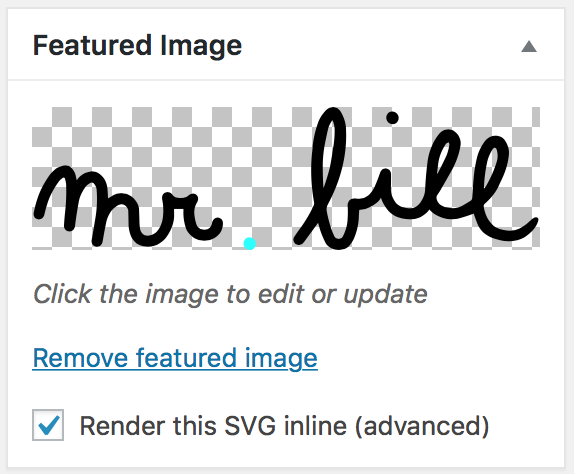
– Works seamlessly with Image blocks, Cover blocks and featured images
Advanced Usage:
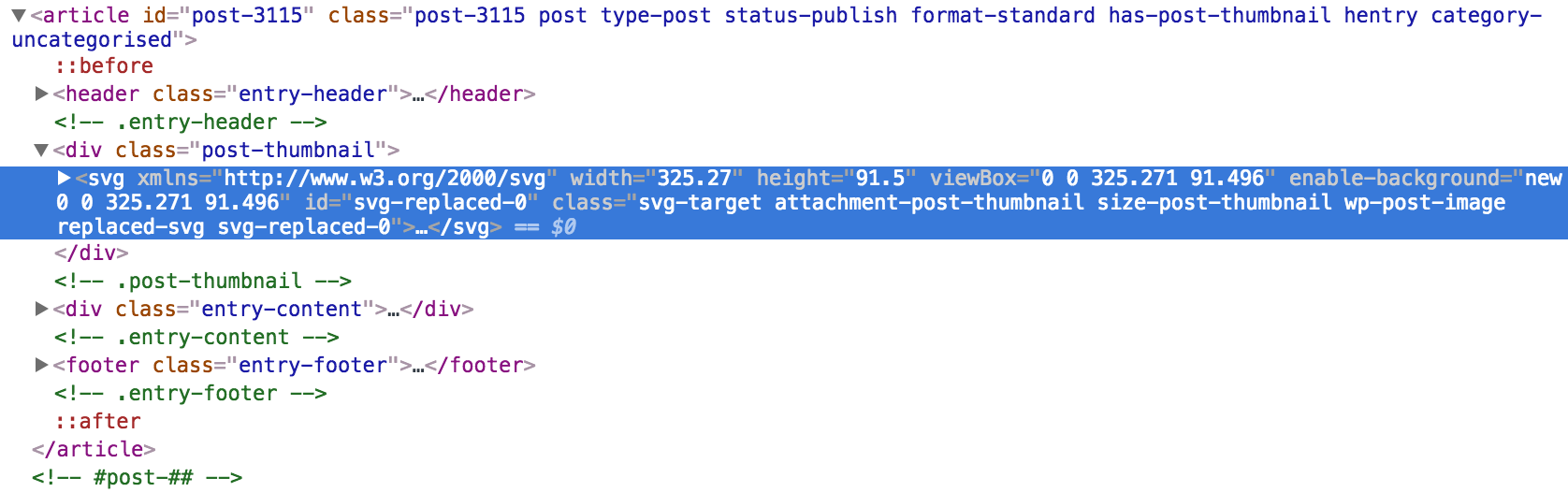
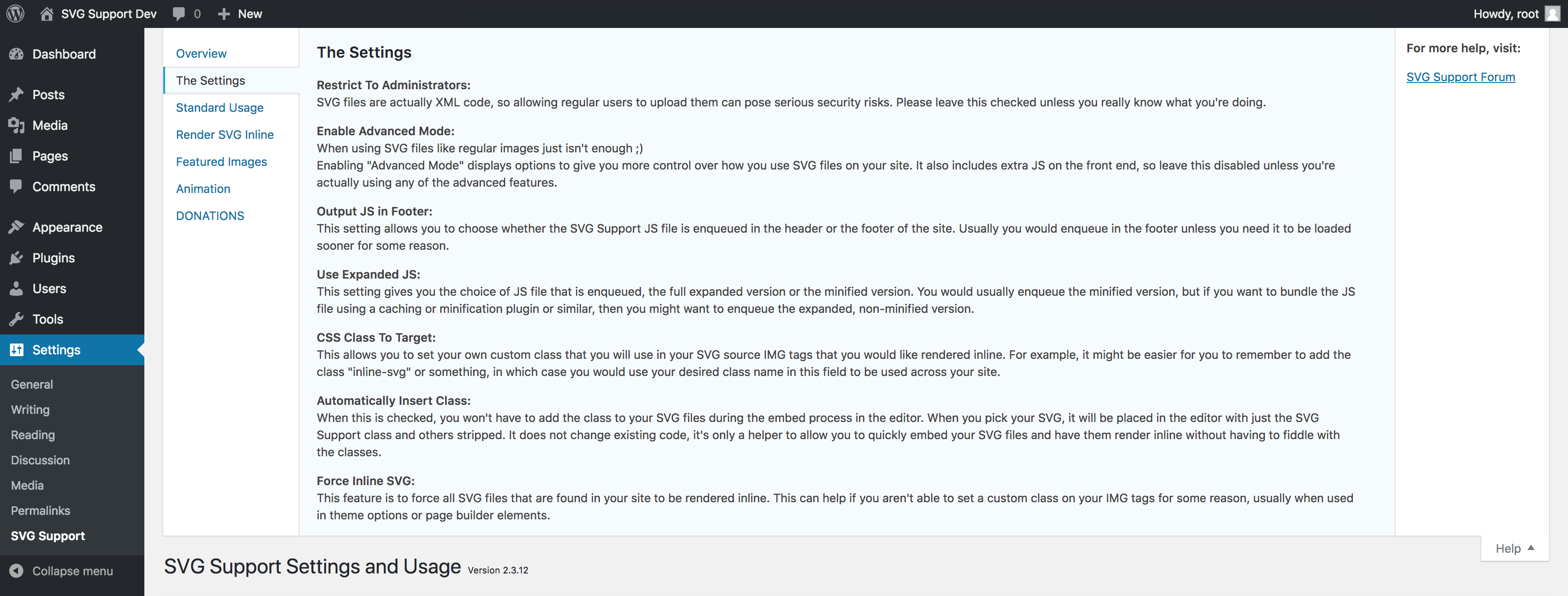
– Enable “Advanced Mode” for minification and inline rendering
– Customize with hooks and filters for tailored functionality
Block Editor Usage:
– Use Advanced Mode to enable inline rendering:
– Add the "style-svg" class to Image blocks
– Add the "style-svg" class to Cover blocks to render SVG backgrounds inline
– Use “Skip Nested SVGs” setting to control inline rendering of SVGs within Cover blocks
Classic Editor Usage:
– Use Advanced Mode to add the "style-svg" class to <img> tags for inline rendering
– Enable “Auto Insert Class” option for automatic class insertion in Classic Editor
Common Issues & Solutions:
– SVG not displaying? Ensure dimensions are set in CSS.
– Need help? Use the support tab and I will do my best to assist you.
Spin up a test site
With a single click, you can spin up a completely free test site to test SVG Support using TasteWP! No sign up, no cards, nothing! How cool is that? Give it a go:
Click Here to spin up a test site in seconds
Security
SVG Support prioritizes security with automatic sanitization and role-based restrictions. Only trusted users should have upload permissions. Configure settings to balance functionality and security.
External Services
SVG Support does not send your data anywhere on its own — everything it does (uploads, sanitization, inline rendering) happens entirely on your own site.
The one exception is opt-in: the plugin’s settings screen offers a sign-up form for the SVG Support Pro waitlist. If — and only if — you type your email address into that form and submit it, your browser sends that email address, plus a fixed label marking the plugin settings screen as the source (utm_source=svg-support-plugin), to Kit (kit.com), the newsletter service used for SVG Support announcements. Nothing is transmitted if you never use the form, no information is collected in the background, and every email includes a one-click unsubscribe.
Kit terms of service: https://kit.com/terms
Kit privacy policy: https://kit.com/privacy
Feedback
I’m open to your suggestions and feedback – Thanks for using SVG Support!
Follow @SVGSupport on Twitter
Follow @benbodhi on Twitter
Follow @benbodhi on Farcaster
Note: I hope you like this plugin! Please take a moment to rate it.
Development & Contributing
The development version of SVG Support is maintained on GitHub. Feel free to contribute:
- Submit bug reports or feature suggestions: GitHub Issues
- Contribute code via Pull Requests
- Development repository: GitHub
Translations
Contribute translations here. New to translating? Check the Translator Handbook.
Questions about SVG Support
Is SVG Support free?
Yes. SVG Support is free to download and use from the official WordPress.org directory. There is no payment and no account needed — the download on this page goes straight to WordPress.org.
What is the latest version of SVG Support?
The latest version is 2.6.4, last updated on 14 Nov 2026.
How popular is SVG Support?
It is rated 4.8 out of 5 from 356 ratings and is active on 1M+ WordPress sites.
How do I install SVG Support?
From your WordPress dashboard, go to Plugins → Add New, search for SVG Support, then Install and Activate. You can also download the ZIP from WordPress.org and upload it under Plugins → Add New → Upload Plugin.
Where do I download SVG Support?
Directly from WordPress.org. The Download button on this page goes straight to the official WordPress.org download, and GPLWPClub does not store the file.
Screenshots