Tour Operator
Free WordPress plugin by Ash Shaw
The Tour Operator plugin provides all the tools needed to create compelling tour listings and travel content, designed specifically for tourism and destination marketing websites. Key Features: * Cus…
About Tour Operator
Tour Operator 2.2 is a free WordPress plugin by Ash Shaw. It is rated 3.8 out of 5 from 6 ratings and is active on 30 WordPress sites. The latest version is 2.2, last updated on 30 Jul 2026. You can download it free from WordPress.org — no account or payment needed.
The Tour Operator plugin provides all the tools needed to create compelling tour listings and travel content, designed specifically for tourism and destination marketing websites.
Key Features:
* Custom post types for Tours, Destinations, and Accommodation.
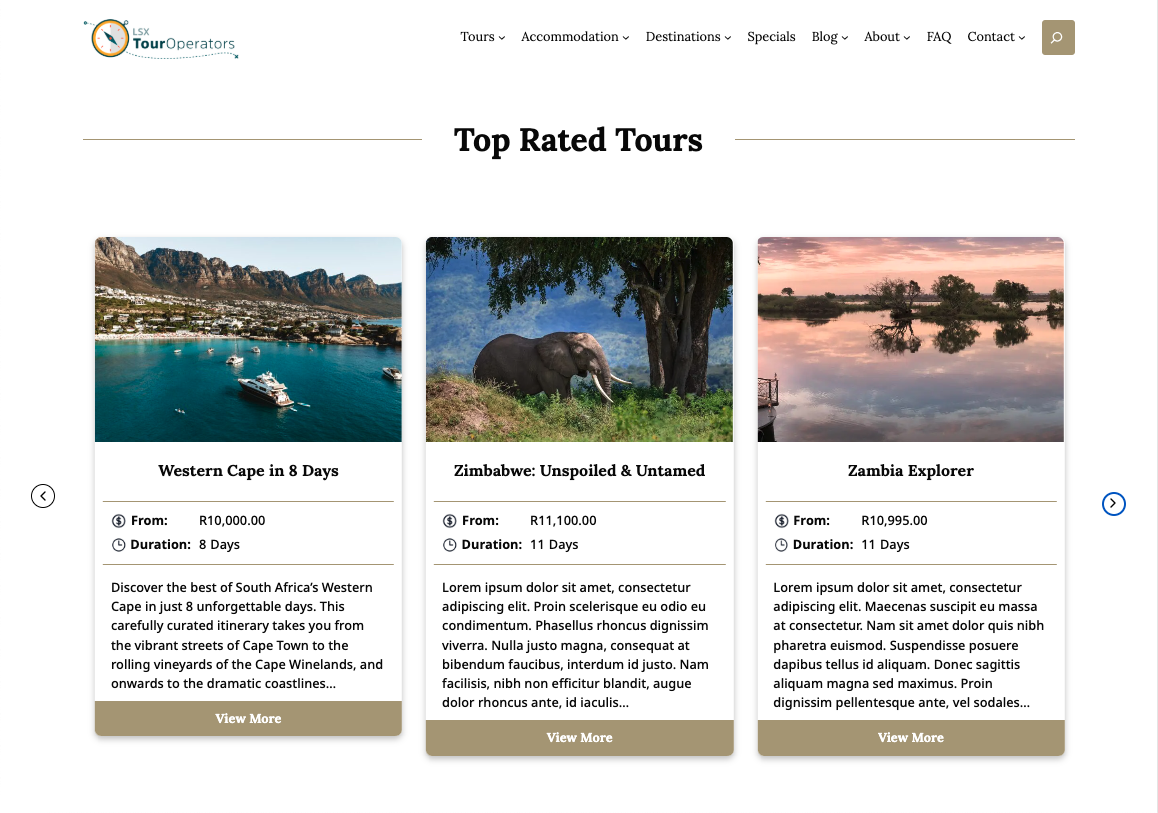
* Day-by-day itinerary blocks, Fast Facts, galleries, and maps.
* Fully compatible with block themes and Full Site Editing.
* Optional Wetu integration for importing structured travel data.
* JSON-based field registration for clean customization.
* Developer-friendly with hooks, filters, and template overrides.
Official site: https://touroperator.solutions/
Related Extensions
- Special Offers: https://wordpress.org/plugins/tour-operator-special-offers/
- Reviews: https://wordpress.org/plugins/tour-operator-reviews/
- Team: https://wordpress.org/plugins/tour-operator-team/
- Wetu Importer: https://wordpress.org/plugins/lsx-importer-for-wetu/
Questions about Tour Operator
Is Tour Operator free?
Yes. Tour Operator is free to download and use from the official WordPress.org directory. There is no payment and no account needed — the download on this page goes straight to WordPress.org.
What is the latest version of Tour Operator?
The latest version is 2.2, last updated on 30 Jul 2026.
How popular is Tour Operator?
It is rated 3.8 out of 5 from 6 ratings and is active on 30 WordPress sites.
How do I install Tour Operator?
From your WordPress dashboard, go to Plugins → Add New, search for Tour Operator, then Install and Activate. You can also download the ZIP from WordPress.org and upload it under Plugins → Add New → Upload Plugin.
Where do I download Tour Operator?
Directly from WordPress.org. The Download button on this page goes straight to the official WordPress.org download, and GPLWPClub does not store the file.
Screenshots