WP Bottom Menu
Free WordPress plugin by J4
WP Bottom Menu allows you to add a woocommerce supported bottom menu to your site. Enhance your website with WP Bottom Menu, a dynamic plugin that seamlessly integrates a WooCommerce-supported bottom…
About WP Bottom Menu
WP Bottom Menu 2.3.0 is a free WordPress plugin by J4. It is rated 4.5 out of 5 from 23 ratings and is active on 20K+ WordPress sites. The latest version is 2.3.0, last updated on 23 Aug 2026. You can download it free from WordPress.org — no account or payment needed.
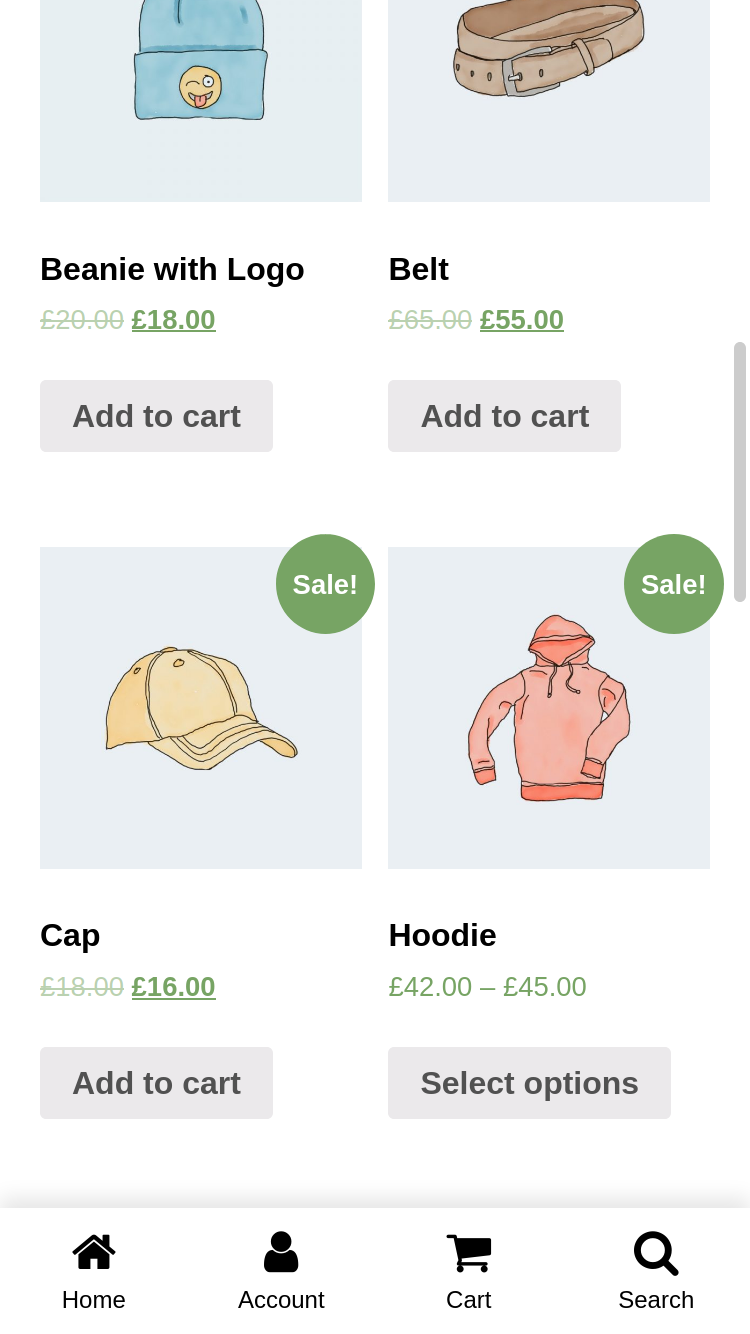
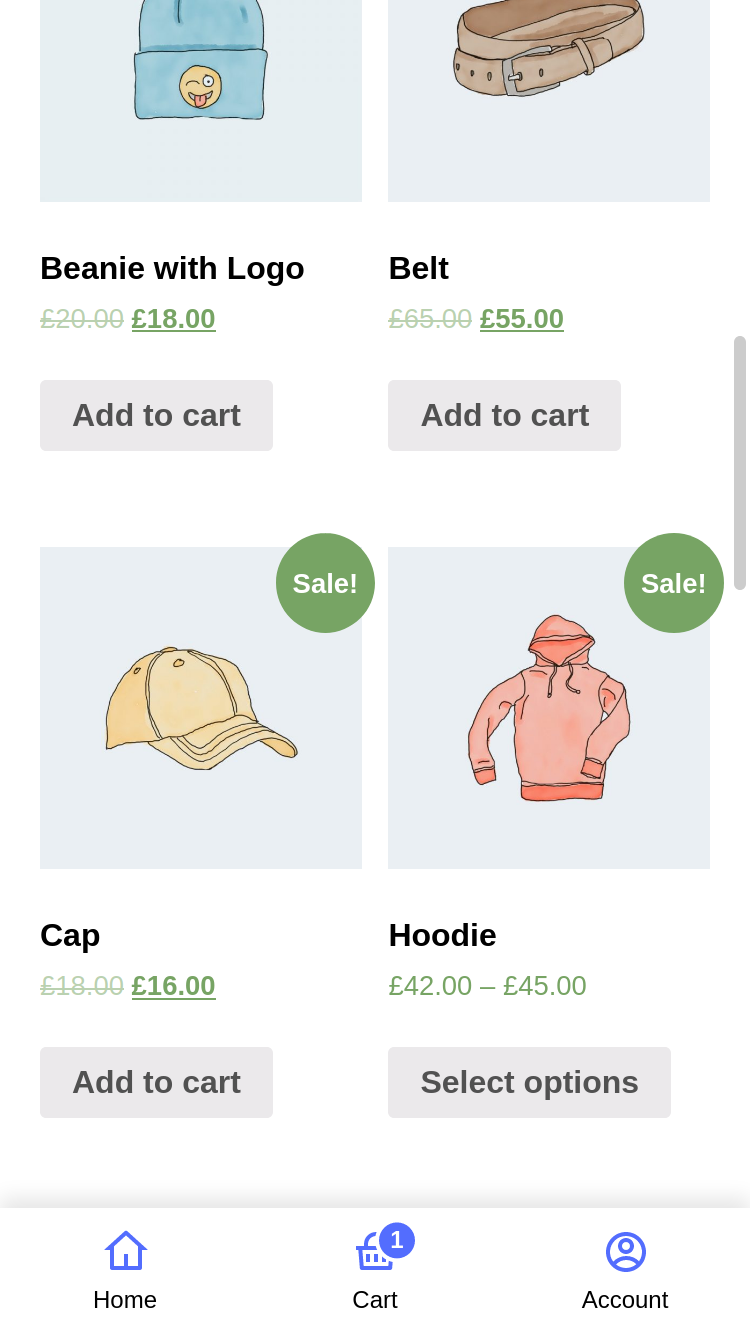
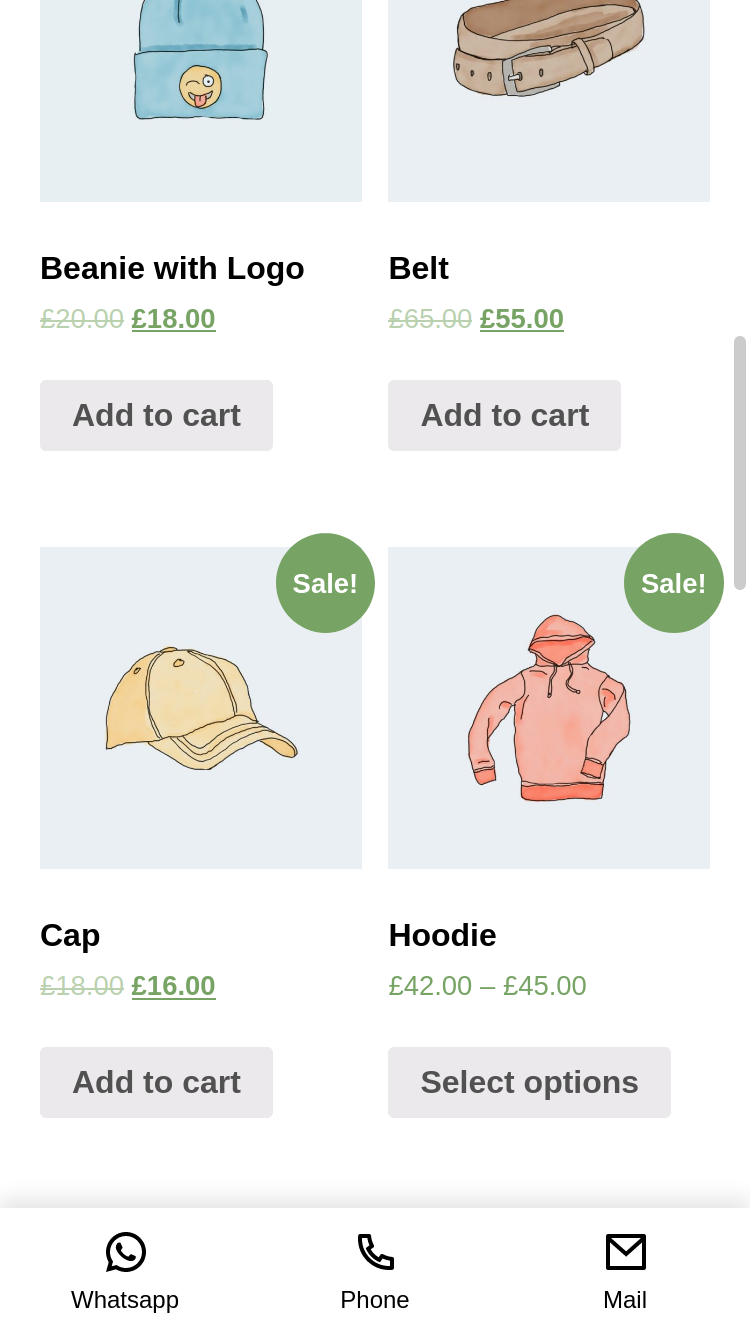
WP Bottom Menu allows you to add a woocommerce supported bottom menu to your site.
Enhance your website with WP Bottom Menu, a dynamic plugin that seamlessly integrates a WooCommerce-supported bottom menu. Elevate user experience and streamline navigation on your site with this feature-rich addition
Features
- Custom Link
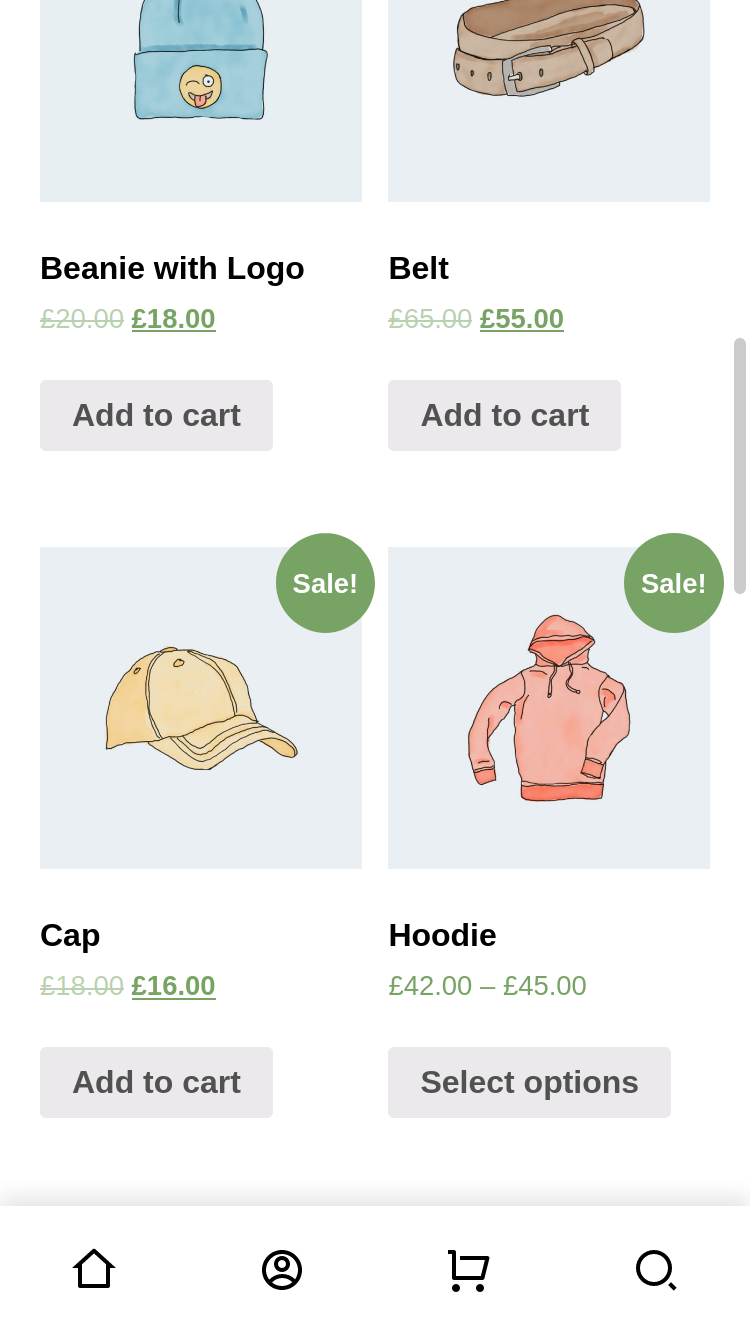
- FontAwesome Icon Support
- Custom SVG Icon Support
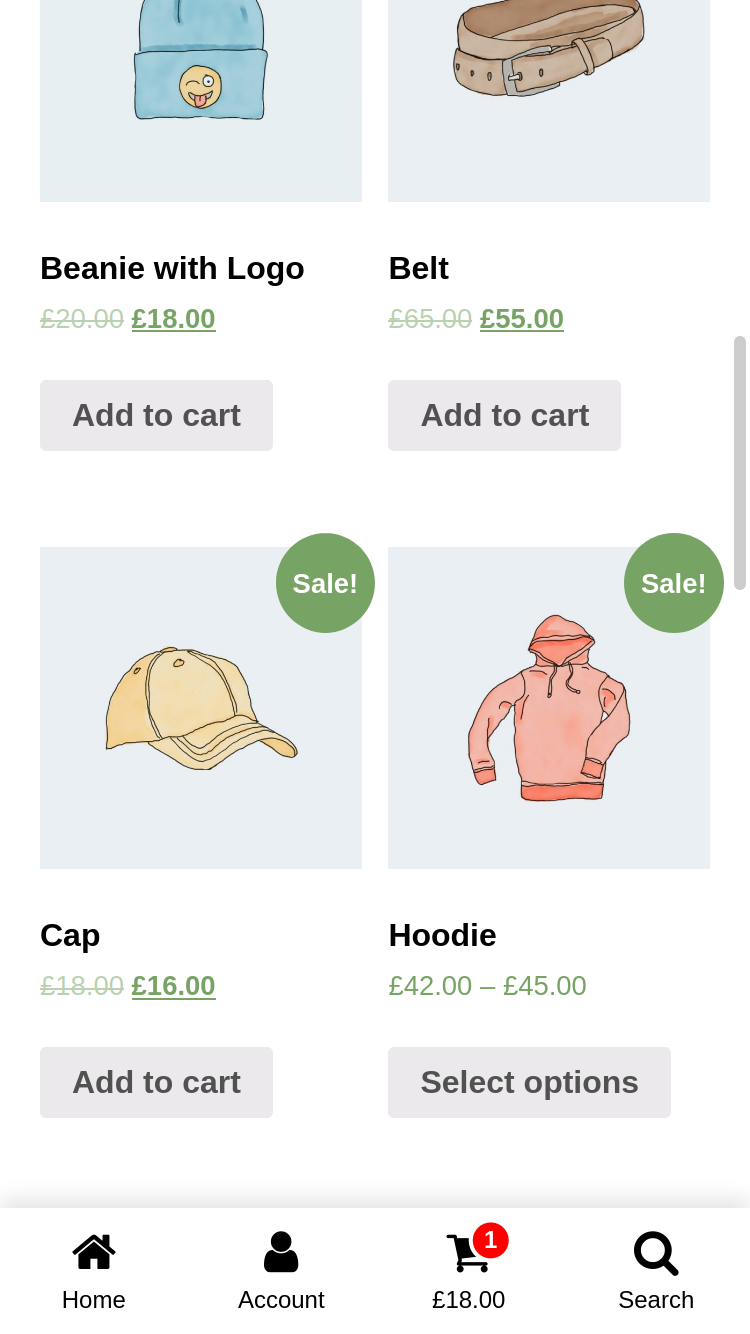
- Woocommerce Cart Support (Cart Count & Cart Total supported)
- Woocommerce Account Support (Account name supported)
- Hide/Show Menu Condition Manager
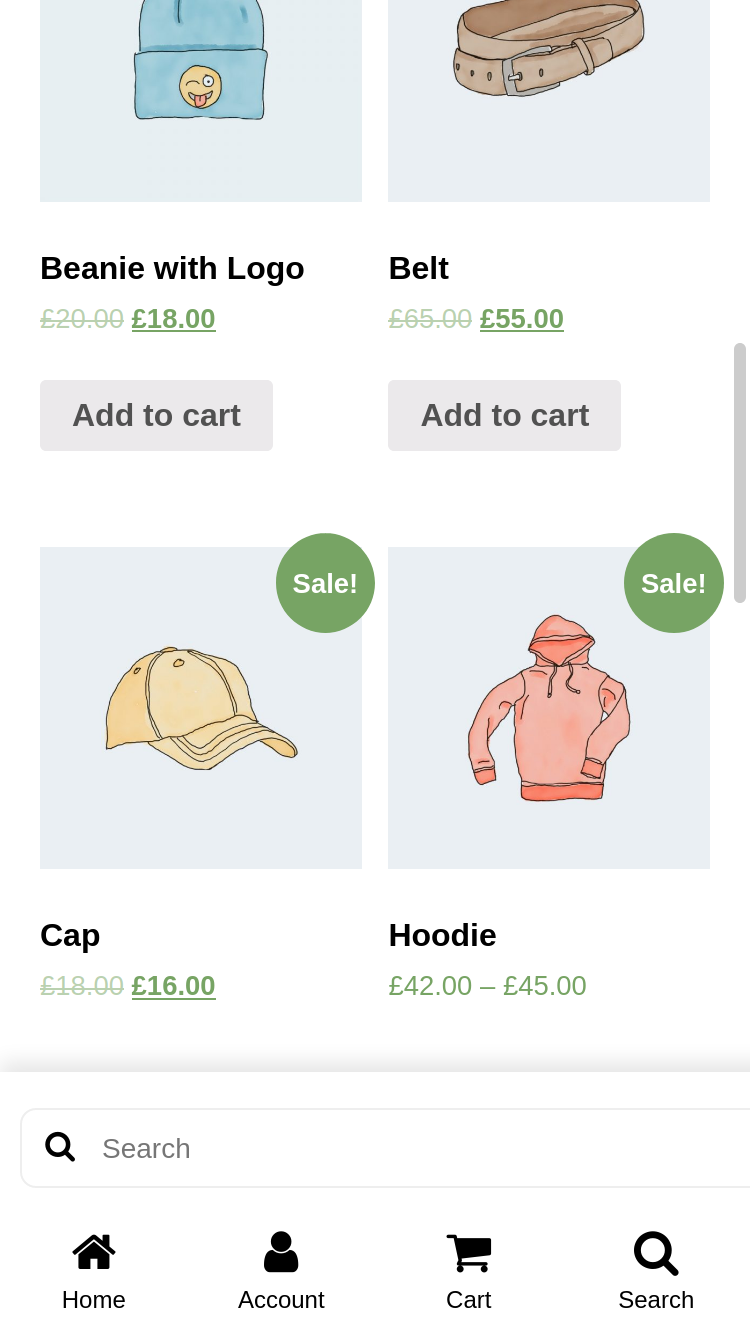
- Search (Woocommerce Product, Post or Custom Post Types)
- Custom Fullscreen Menu (Compatible with WordPress Menus)
- Customizable Style
- Multilanguage Support (Polyang)
Questions about WP Bottom Menu
Is WP Bottom Menu free?
Yes. WP Bottom Menu is free to download and use from the official WordPress.org directory. There is no payment and no account needed — the download on this page goes straight to WordPress.org.
What is the latest version of WP Bottom Menu?
The latest version is 2.3.0, last updated on 23 Aug 2026.
How popular is WP Bottom Menu?
It is rated 4.5 out of 5 from 23 ratings and is active on 20K+ WordPress sites.
How do I install WP Bottom Menu?
From your WordPress dashboard, go to Plugins → Add New, search for WP Bottom Menu, then Install and Activate. You can also download the ZIP from WordPress.org and upload it under Plugins → Add New → Upload Plugin.
Where do I download WP Bottom Menu?
Directly from WordPress.org. The Download button on this page goes straight to the official WordPress.org download, and GPLWPClub does not store the file.
Screenshots