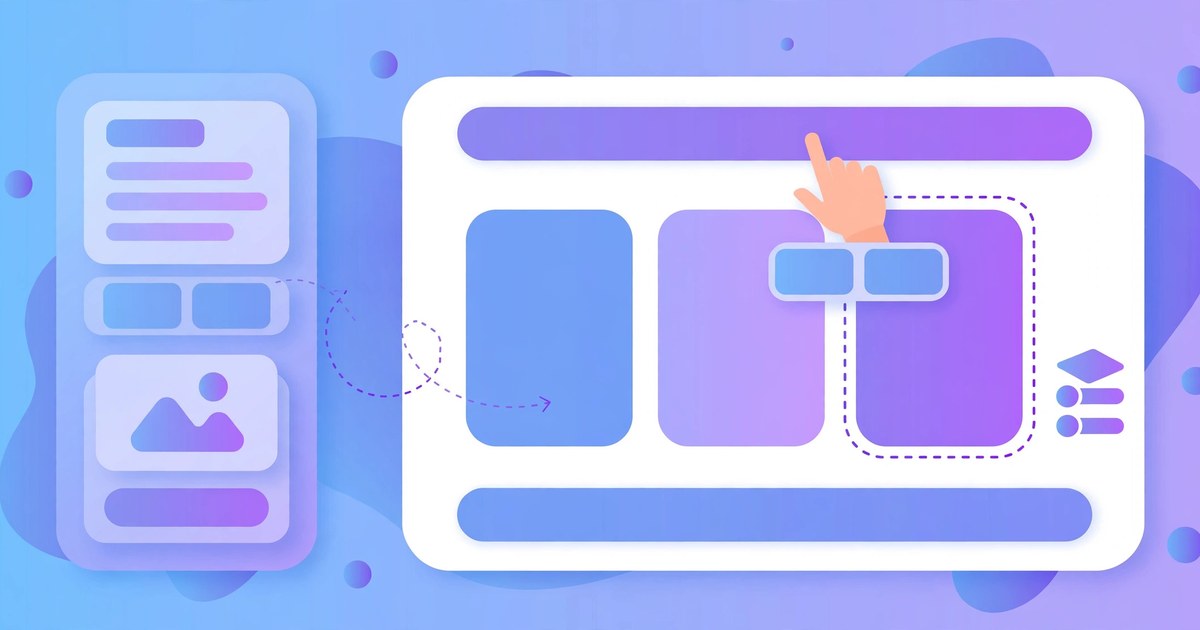
Choosing a page builder is one of the first decisions you make on a new WordPress site, and it is one of the hardest to undo later. The short answer: for most people starting from scratch, the free version of Elementor is the safest first pick. If you want a theme and a builder in one package, look at Divi. If your theme was built for WPBakery, use that. And if your site is simple, the WordPress block editor may be all you need.
The longer answer is below. The best builder depends on what you are building, how much design work you want to do yourself, and whether you ever plan to hand the site to someone else.
Start with the site, not the tool
Before comparing features, ask what the site has to do. A personal blog needs almost nothing: a few page layouts, images, and text. A business site needs a homepage that sells, a services page, and a contact form. An online shop needs product pages that convert.
Elementor: the safe default
Elementor is the most popular page builder for a reason. The free version gives you drag-and-drop editing, more than 40 widgets, and ready-made templates, and it works with almost any theme. For a blog or a simple business site, the free version is often enough on its own.
Elementor Pro adds the parts people usually pay for: a theme builder for designing your own header, footer and archive pages, a form builder, popups, and a WooCommerce builder for shop pages. It is also the builder most freelancers know, which matters if you ever hand the site to someone else — almost anyone you hire will already know their way around it.
The trade-off is speed. Elementor adds weight to every page, so pair it with a fast theme and a caching plugin like WP Rocket.
Divi: theme and builder in one
Divi takes a different approach: it is a theme and a builder in one package, so you install it once and get both. That suits people who want a complete design system and do not want to choose a theme and a builder separately. It comes with hundreds of layouts, a theme builder, and split testing, so you can try two versions of a page and see which one works better.
Divi is a good choice if you like designing visually and you want everything in one place. The catch is the same as Elementor's, only stronger: your design is tied to Divi. Switching away later means rebuilding pages from scratch, so only choose it if you are happy to stay with it.
WPBakery: when your theme chose for you
WPBakery is the older builder on this list, and it is still the right choice in one situation: when your theme was built for it. A lot of premium themes bundle WPBakery, and if yours does, using the builder it was designed for will save you a lot of trouble. It has front-end and back-end editors, a template library, and a role manager for controlling who can edit what.
Do not pick WPBakery for a brand-new site unless your theme demands it. But if your theme already uses it, switching builders to escape it will cost you more time than staying put.
Gutenberg: the free option already in WordPress
There is also the option of not using a page builder at all. The WordPress block editor, Gutenberg, is built into WordPress, free, and has improved a lot. For a simple site it may be all you need. It is lighter and faster than any page builder, it will not lock your content into a particular tool, and your content stays portable if you ever change themes.
The catch is flexibility. Complex layouts — overlapping sections, custom headers, advanced forms — are harder work in Gutenberg, and you will need a good theme to make the most of it. Themes like Astra Pro pair well with it and add the layout controls Gutenberg itself does not have.
Will a page builder slow my site down?
Yes, a little — every page builder adds code that a plain WordPress page does not have. How much it matters depends on the builder and on your hosting. A fast builder on good hosting is fine; a heavy builder on cheap shared hosting will feel slow. Three things keep any builder fast: a lightweight theme, a caching plugin, and images that are sized properly before you upload them.
How to decide
If you are still torn, work through this short list in order:
- Does your theme already use a builder? If yes, use that builder. Fighting your theme is a losing battle.
- Is the site simple? Try Gutenberg first. It costs nothing and keeps your content portable.
- Do you want to design freely? Try Elementor free. If you hit its limits — theme building, forms, popups — upgrade to Pro.
- Do you want one tool for everything? Look at Divi, and accept that you are marrying it.
- Are you building client sites? Pick the builder your clients' themes use, or the one you can hire help for most easily. That is usually Elementor.
Whatever you pick, stick with it for a while. Changing builders halfway through a site is the one mistake that costs more time than any other — every page has to be rebuilt, and nobody enjoys doing that twice. You can try all four builders here for £4.49 each, or get them all with a membership, so the cost of trying is not the problem. The cost is your time.
Questions, answered
Which page builder is best for beginners?
Elementor free. It is the easiest to learn, it has the most tutorials and templates, and almost every freelancer knows it, so help is easy to find. Start there and only pay for Pro when you need its theme builder or forms.
Elementor or Divi — which should I choose?
Choose Elementor if you want a builder that works with any theme. Choose Divi if you want a theme and a builder in one package and you are happy to stay with it. Both are good; the difference is whether you want to choose your theme separately.
Will a page builder slow my site down?
A little. Every builder adds code, but the effect is small on good hosting with a lightweight theme and a caching plugin. Keep your images sized properly and use caching, and the builder matters less than people claim.
Can I switch page builders later?
You can, but you will rebuild your pages. Page content built in one builder does not transfer to another — the layouts, widgets and styling are all tied to the tool that made them. That is why it is worth choosing carefully at the start.
Do I need the Pro version of a page builder?
Only if you need what it adds. For Elementor, that means designing your own header and footer, building forms and popups, or designing WooCommerce pages. For a simple blog or business site, the free version is usually enough.
Does the builder work with my theme?
Elementor and Gutenberg work with almost any theme. Divi replaces your theme entirely. WPBakery works best with themes that were built for it. If your theme bundles a builder, use that one — fighting your theme wastes more time than any feature is worth.