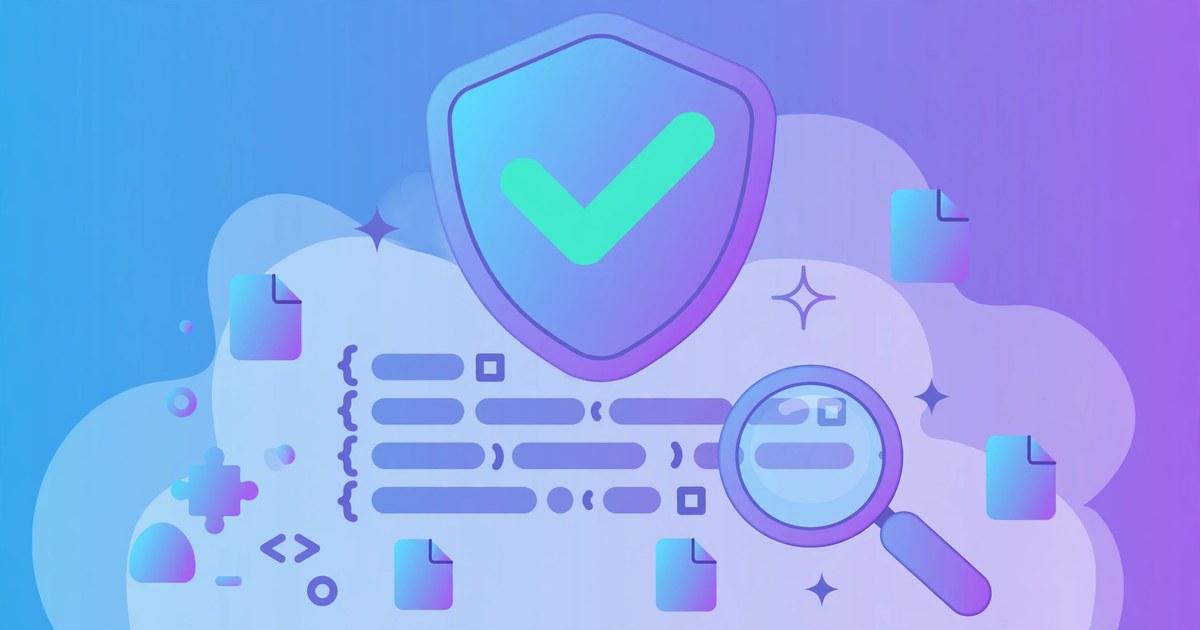
Every plugin and theme on GPLWPClub is scanned and inspected by a person before it is listed. We buy original copies, open every ZIP, run a malware scan, read through the code, and install the file on a test site. If a file fails any step, it does not go live — and when a new version comes out, the whole process starts again from the beginning.
This post explains each step in plain terms, so you can judge for yourself whether the files here are safe to install. It is a fair question to ask of any GPL site, and any site that cannot answer it clearly is not a site you should buy from.
Step 1: original files only
Everything starts with the source. We buy or obtain an original copy of the product from a known source — the developer's own store, or a licensed copy with a clear origin. We do not list files that have been passed around with no clear history, and we never list files that have been modified to remove a licence check or to add anything extra.
If a file has been changed from the original release in any way we cannot explain, it does not go live. That one rule removes most of the risk, because the dangerous files on the internet are almost always files someone has tampered with — not the original releases.
Step 2: inside the ZIP
Next, every ZIP is opened and inspected before anything else happens. We check the file list inside it for anything that should not be there: PHP files in places where they do not belong, files with double extensions designed to hide what they are, or paths that try to escape the folder they are in.
We also compare the archive's size and file count with what the original product should contain — a plugin that should be two megabytes but arrives at nine has something extra in it, and we want to know what that something is.
Step 3: the malware scan
Then the code is scanned. We run an automated scan that looks for known malware patterns, obfuscated code — code deliberately written to be hard to read — and calls to suspicious external addresses. The scan also flags anything that tries to contact a server it has no business contacting.
Automated scans are useful, but they are not enough on their own. A scan can miss something new, and it can flag something harmless. So the scan is a filter, not a verdict: it tells us where to look, and a person decides what it means.
Step 4: a person reads the code
This is the step most sites skip, and it is the one that matters most. A person reads through the main files, looking for anything that does not belong: code that phones home, code that creates admin users, code that hides links, or code that is deliberately hard to read.
The rule is simple: if we cannot tell what a piece of code does, we do not list the file until we can. Sometimes that means asking the developer, sometimes it means comparing the file against the original release line by line. Either way, an unexplained piece of code is a failed check, and a failed check means the file does not go live.
Step 5: the test install
We also check that the file actually works. It is installed on a test WordPress site, activated, and put through its basic features. A file that will not install, or that breaks the test site, is not listed — even if the code looks clean. A broken file is no use to anyone, and a file that breaks a site is worse than no file at all.
The test install also catches files that are genuine but incomplete, or packaged badly. Those get fixed or rejected, not sold.
Step 6: every new version, again
Finally, we keep checking. When a new version comes out, it goes through the same process again, from the start. We do not assume that because version one was clean, version two will be. New versions can introduce new code, new files, and new problems — so they get the same scan, the same read-through, and the same test install.
We aim to have new versions listed within 24 hours of release, but the checks come first — a late file is better than a bad one.
What we refuse to list
Some files never make it onto the site, whatever the price. We do not list files with no clear origin, files that have been modified to remove a licence check, files with hidden code we cannot explain, or files that fail the test install. We also take products down while we investigate if a member reports a problem with a file, rather than leaving it up and hoping for the best.
No checking process can promise a file is perfect. What we can promise is that every file here has been through these steps, by a person, before it was listed — and any file that fails is not sold. If you spot something we missed, please tell us. We would rather hear about a problem from one member than have a hundred members install it.
Every file on GPLWPClub is bought as an original, opened, scanned, read by a person, and test-installed before it is listed. Anything that fails any step does not go live.
Questions, answered
Are GPL files safe to install?
The original files from a developer are as safe as buying direct — they are the same code. The risk with GPL sites is files that someone else has modified. That is why we only list original copies, and why every file is opened, scanned, read by a person, and test-installed before it goes live.
Do you change the code in the files you sell?
No. Every file is distributed exactly as the developer released it. We do not remove licence checks, add anything extra, or bundle files from other sources. If a file has been modified in any way we cannot explain, it does not go live.
What if a file breaks my site?
First, back up your site before installing anything new — that applies to every plugin and theme, from any source. If a file from GPLWPClub breaks your site, tell us through the contact page with your order number. If the file is broken or not as described, our refund policy covers it.
Do you check new versions too, or just the first one?
Every version. When a new version comes out it goes through the same six steps again — original source, ZIP inspection, malware scan, human code review, and test install. We aim to list new versions within 24 hours, but the checks come first.
Can I report a problem with a file?
Yes, please do. Use the contact page and tell us the product and what happened. If a report looks serious, we take the product down while we investigate, rather than leaving it up.
Do you offer a guarantee that files are malware-free?
No honest site can guarantee that. What we guarantee is the process: every file is bought as an original, scanned, read by a person, and test-installed before it is listed, and anything that fails is not sold. That is the strongest promise we can make, and we would rather make it than pretend otherwise.